Client profile and intake form
Collect what you need at the start and keep adding to it. Before a session you can go back to what you last worked on.
Keep what you need before a session with the client it belongs to. Profile, notes, messages and progress stay together.
Full access for 30 days · no card
Collect what you need at the start and keep adding to it. Before a session you can go back to what you last worked on.
Messages and records sit with the client they belong to. The interface marks clearly what is a private note and what the client can see.
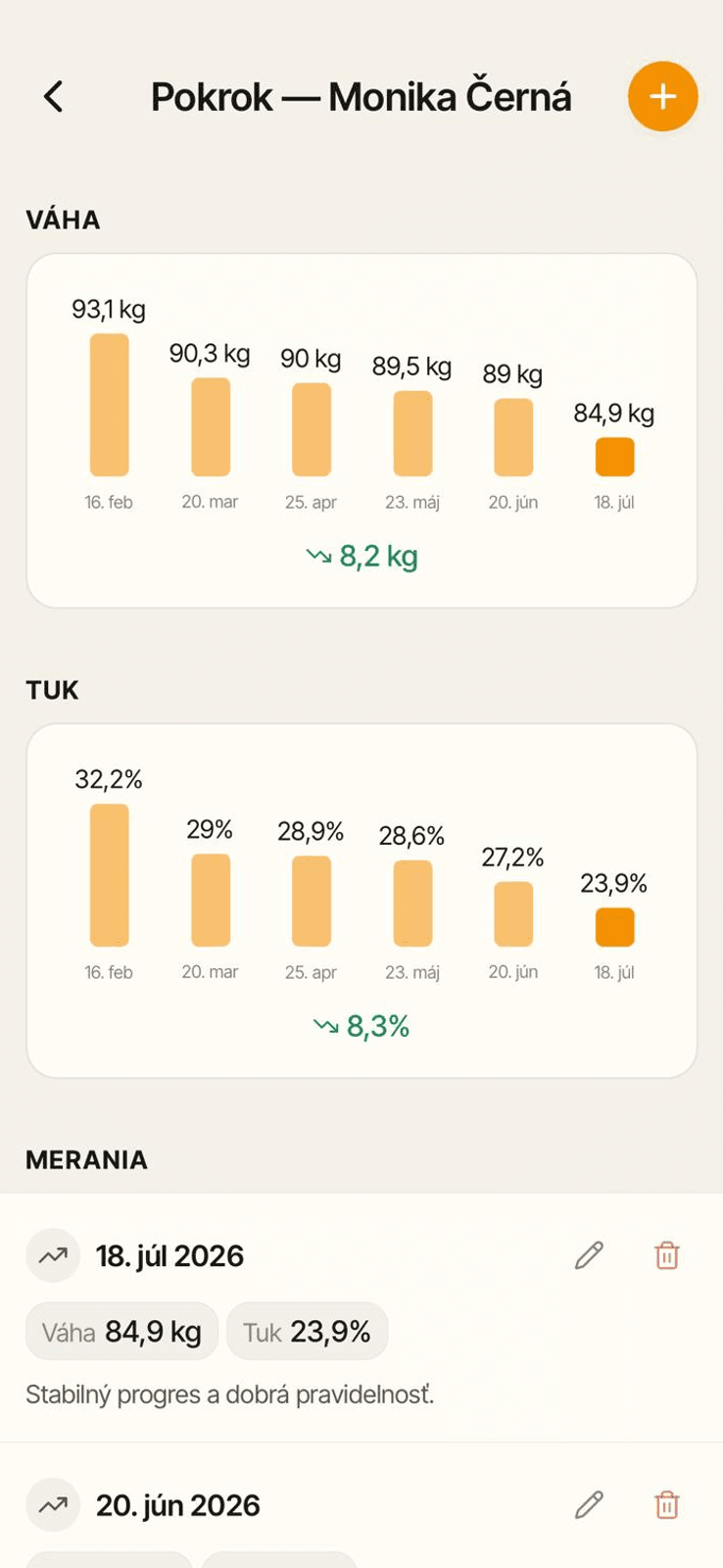
Track measurements and photos and compare them at later consultations. Sensitive data stays inside the private collaboration, never in a public profile.
From the client context, continue to a time slot or check a payment. No extra list outside Trely.
Yes. You connect through an invitation in Trely.
No. Using a client account is free.
No. Private data from a collaboration is never published.
Start with a 30-day trial and set Trely up around the way you work.
Full access for 30 days · no card